What are you looking for?
Search



Lens Type: CMOS
Infrared: Yes
Video Resolution: SD 720P
Feature: Mobile Phone APP,Nightlight,Motion Detection,Intercom,IP Network
Brand Name: SANNCE
Display Screen Size: None
Type: Video & Audio
Connection Type: Wireless
Size: As picture
Model Number: I21AG
Display Type: None
Testing & Certification: CE
Storage Capacity: NO
Technology: Pan / Tilt
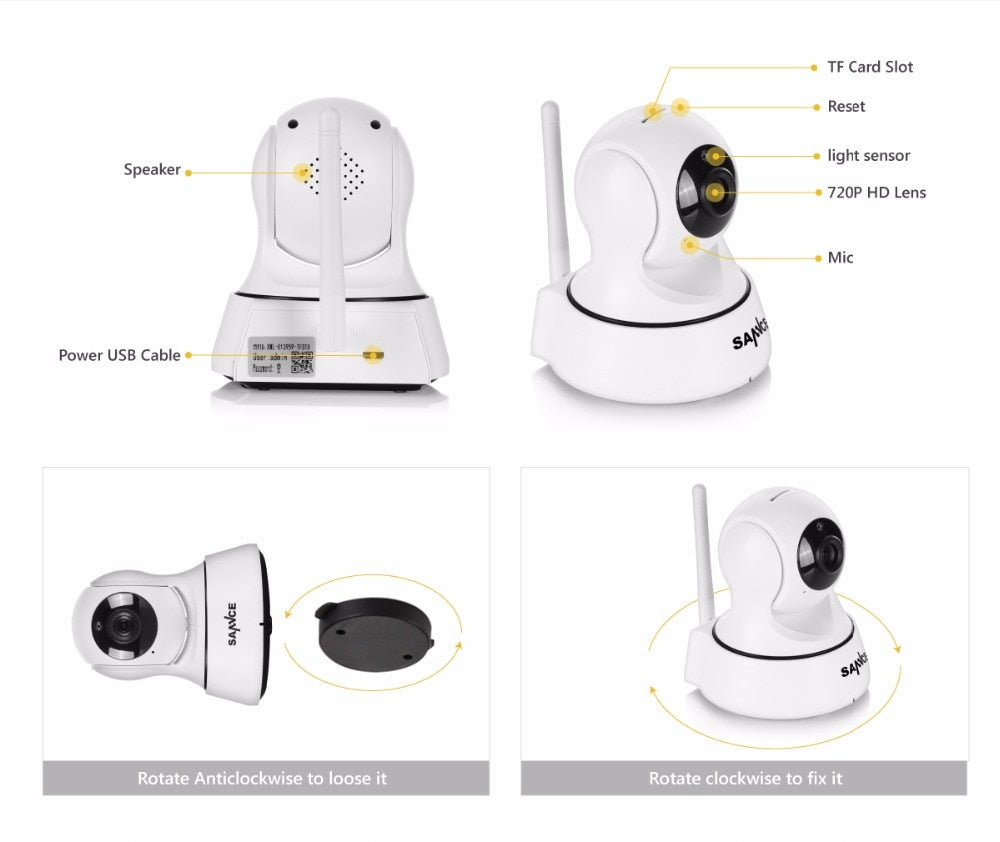
Storage card slot: Micro sd card 8/16/32/64Gb
P2P: Smartlink P2P Plug and Play
Sensor: CMOS
Audio Output: Two way audio
Alarm Action: FTP Photo,Email Photo
Power Consumption(W): <6w
Display Resolution: 1280*720/640*360/320*180
Supported Mobile Systems: iPhone OS/Android
Power Supply(V): 110-220V
1. Download and Install the App
a. Make sure your mobile devices are connected to the network properly (Wi-Fi);
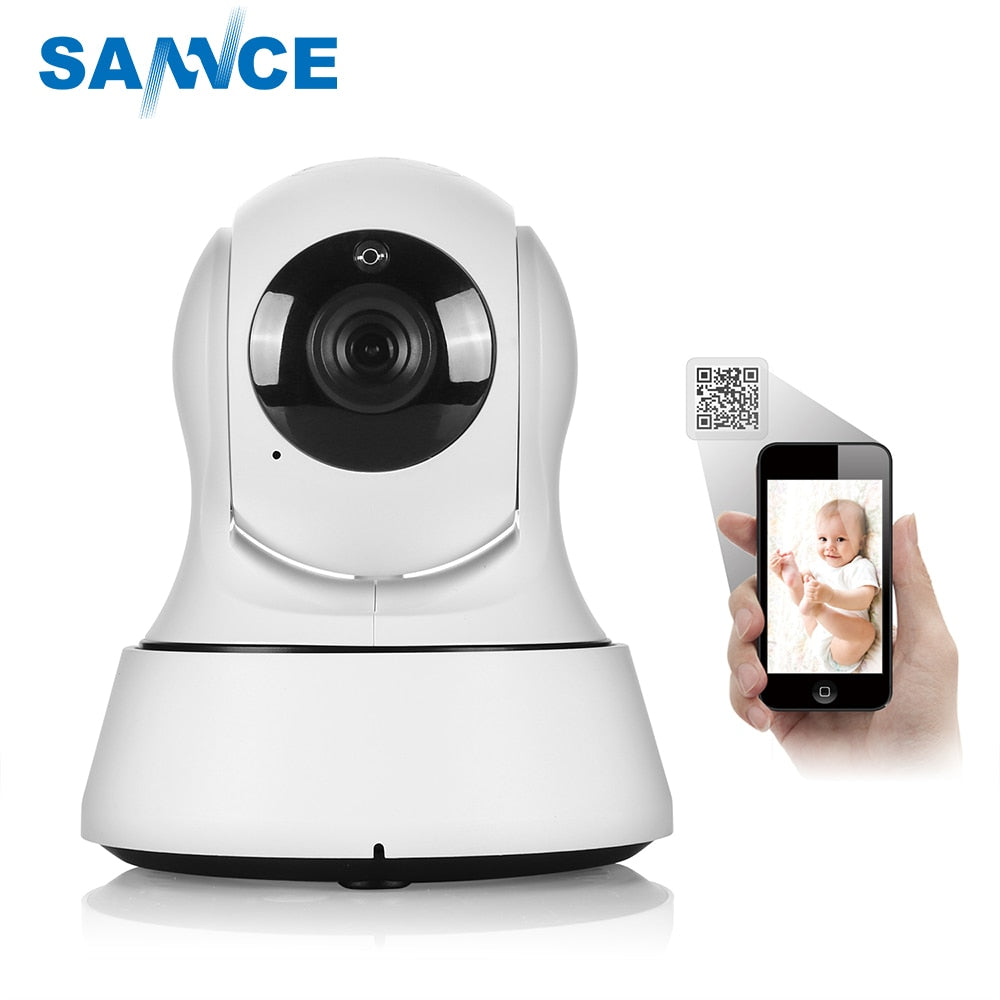
b .For Android phone users, download the free app by searching "JoyLite" in "Google Play Store", scanning the QR-Code on the camera;
c. For iPhone or iPad users, download the free app by searching "JoyLite" in "App Store" or scanning the QR-Code on the package.
2. Connect the IP Camera
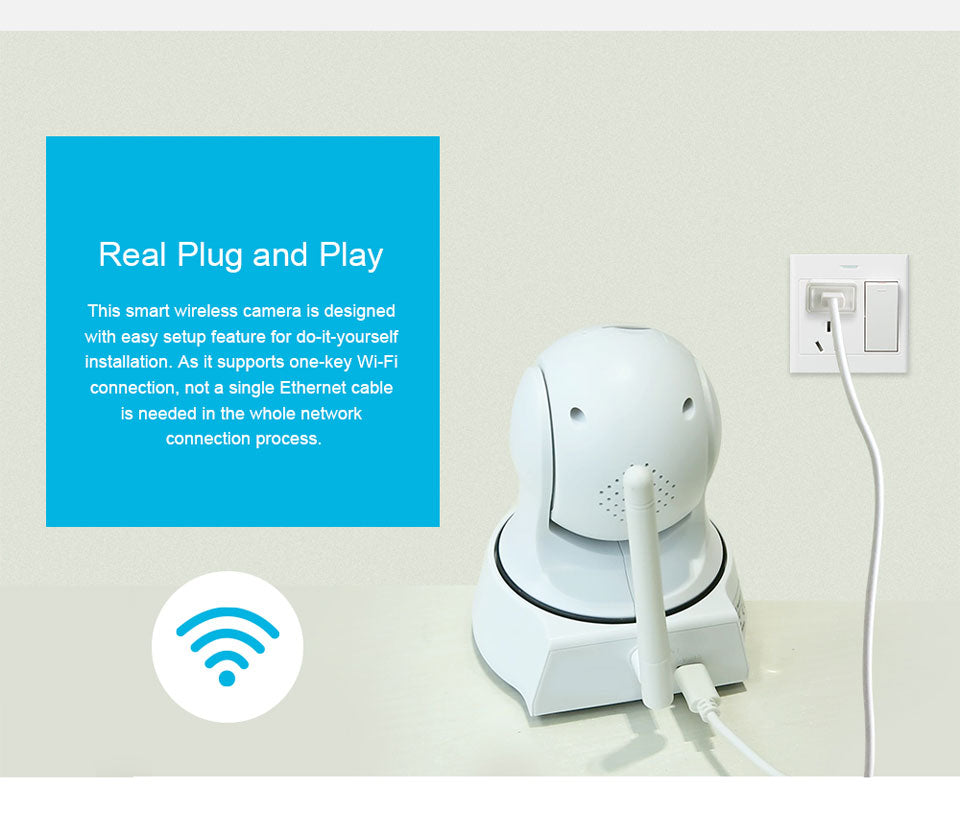
a. Install the Wi-Fi antenna. Twist the antenna tightly and point it upwards;(For built-in antenna devices or integrated devices, please skip these steps).
b. Plug in the power adapter of the IP camera;
Cannot Connect To WIFI
1.Please make sure the WIFI Password is correct.
2.Please make sure the router signal is stable (place IP Camera close to your router for first connection is Recommended).The Camera will not work on a 5Ghz wireless standard at this time. If you have a dual-band router, be sure to segregate your wireless channels and connect the Camera to the 2.4ghz channel.
Reset
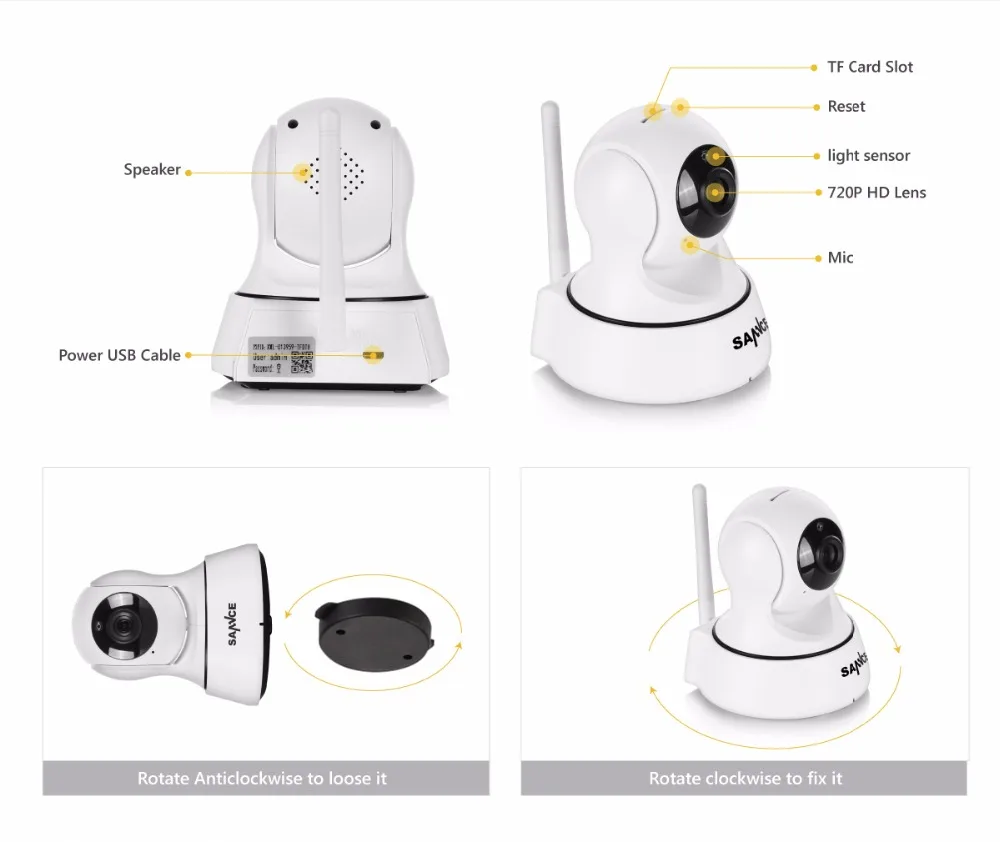
Check The IP Camera: please make sure the IP Camera send Waiting for connection message after the plug. If not, we need to reset the Camera.
1.Why Reset: reset is used to boost the IP Camera system, which become more efficient to accept the unknown router and connect it.
Reset will erase all user settings including WIFI information, access password, alarm information, arming zones information.
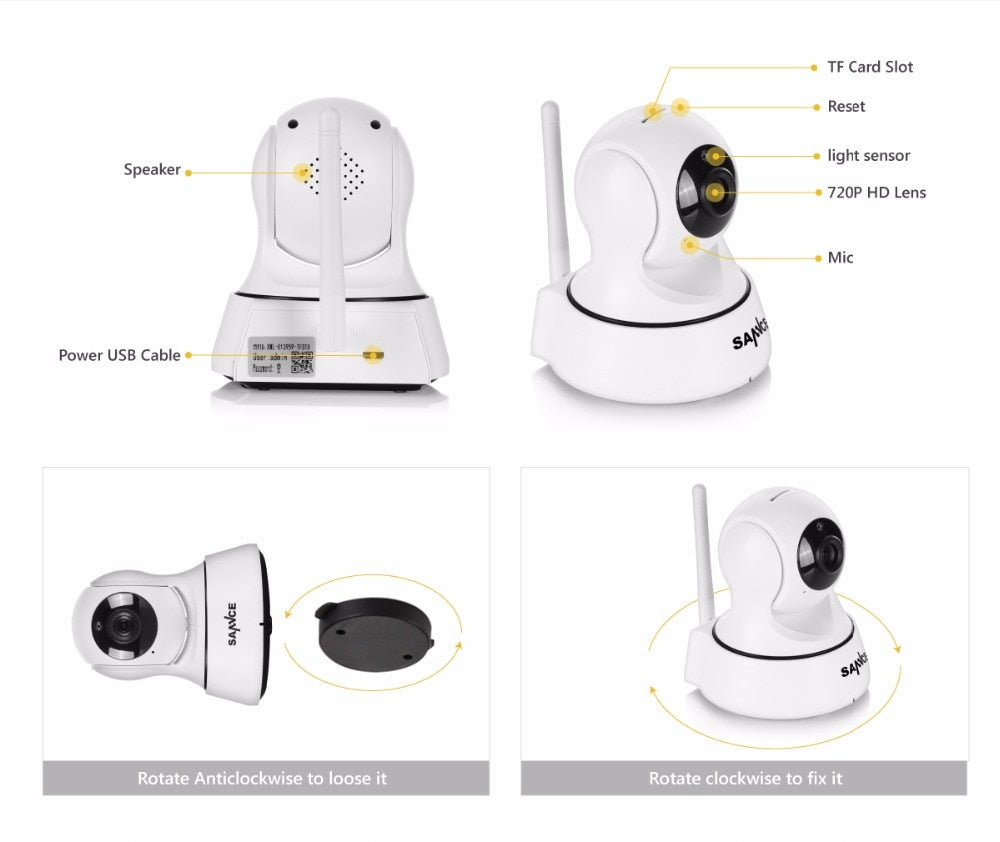
2.The Steps: find the reset hole at the bottom of the device, and then use needle to insert it, press it more more than three seconds after hearing "di" sound, when hearing 'Reset to be defaulted setting' sound, reset successfully.
3.After the reset, user can start to connect it by WIFI.
If you intersted this ip cameras, there is a Youtube for this cameras.
Enligh Language people can use : https://www.youtube.com/watch?v=GqYiGV7xHVo
if you have any problems about this cameras,you can contact us freeley ! thanks
Here is a update (Full HD 1080P) vision of this camera:
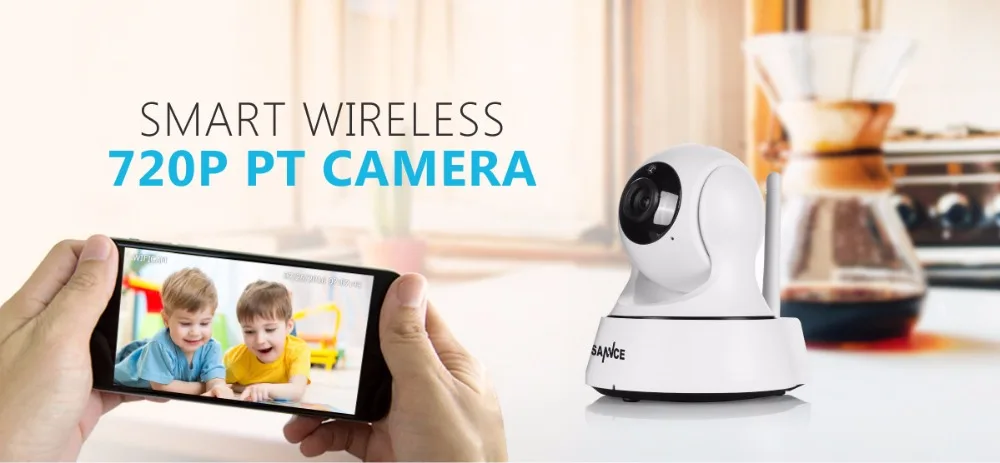
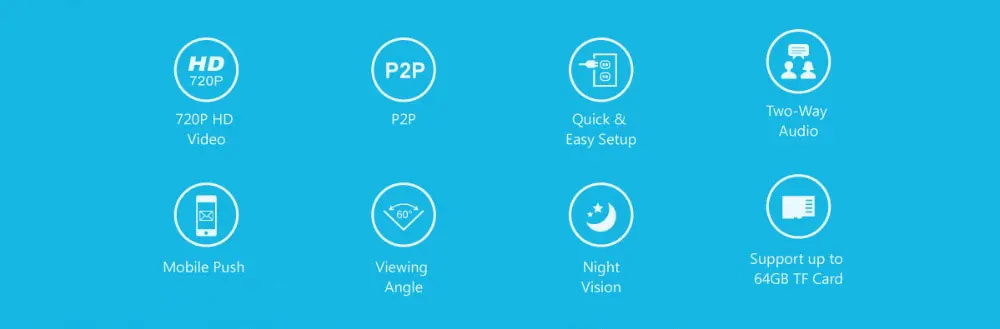
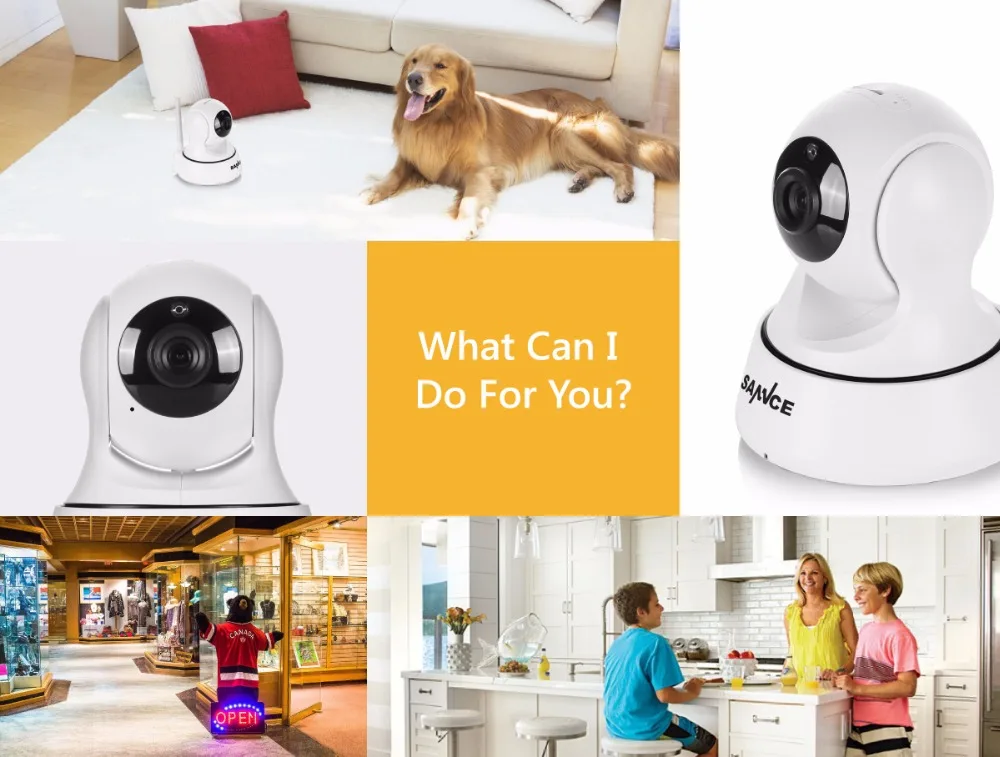
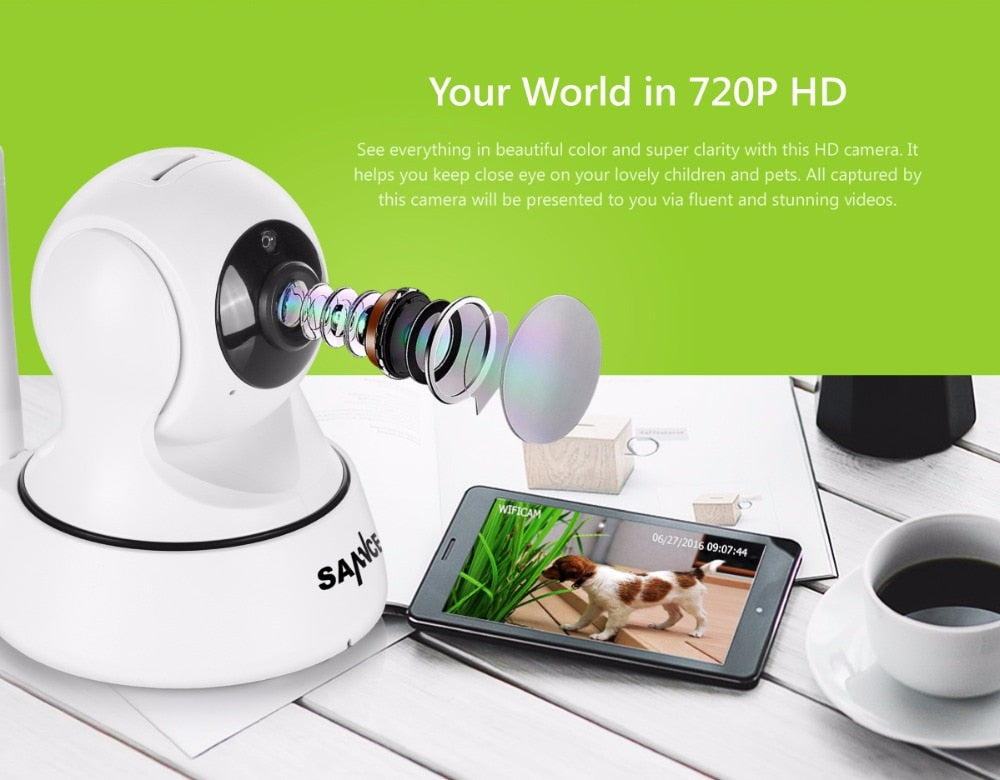
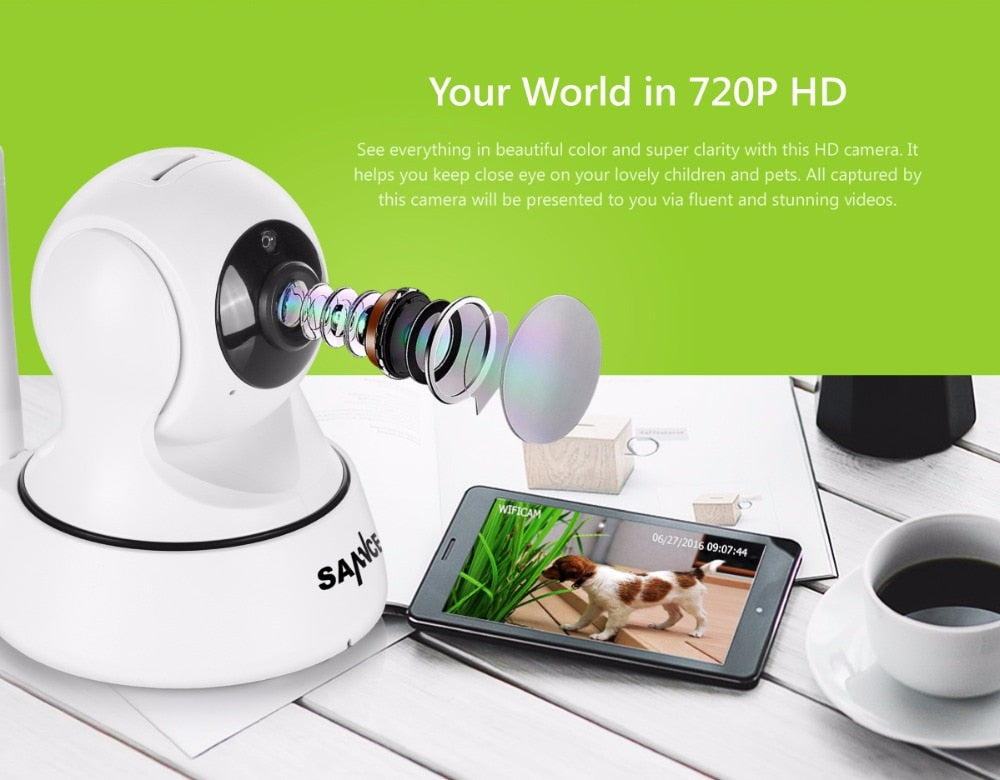
Your World in 720P HD
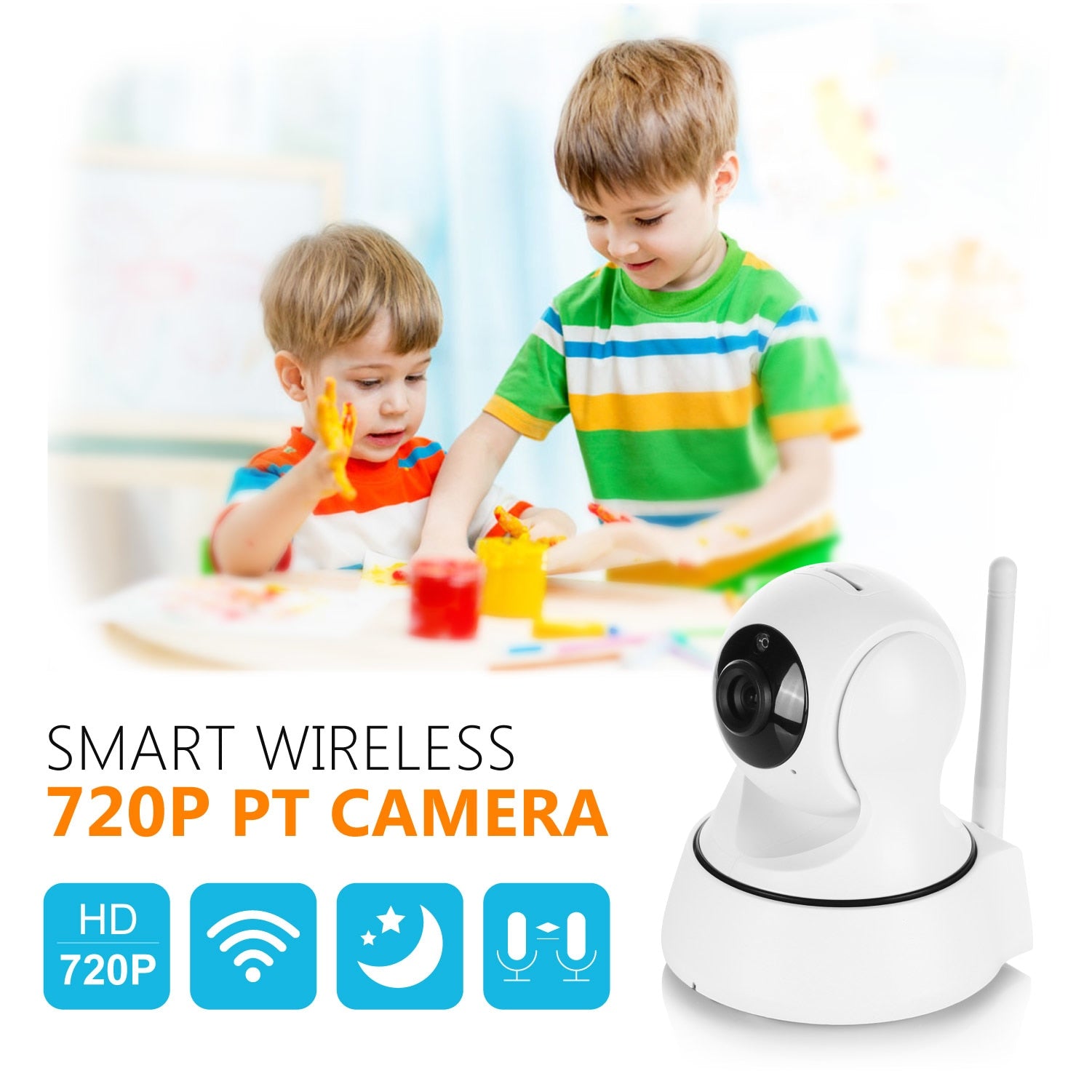
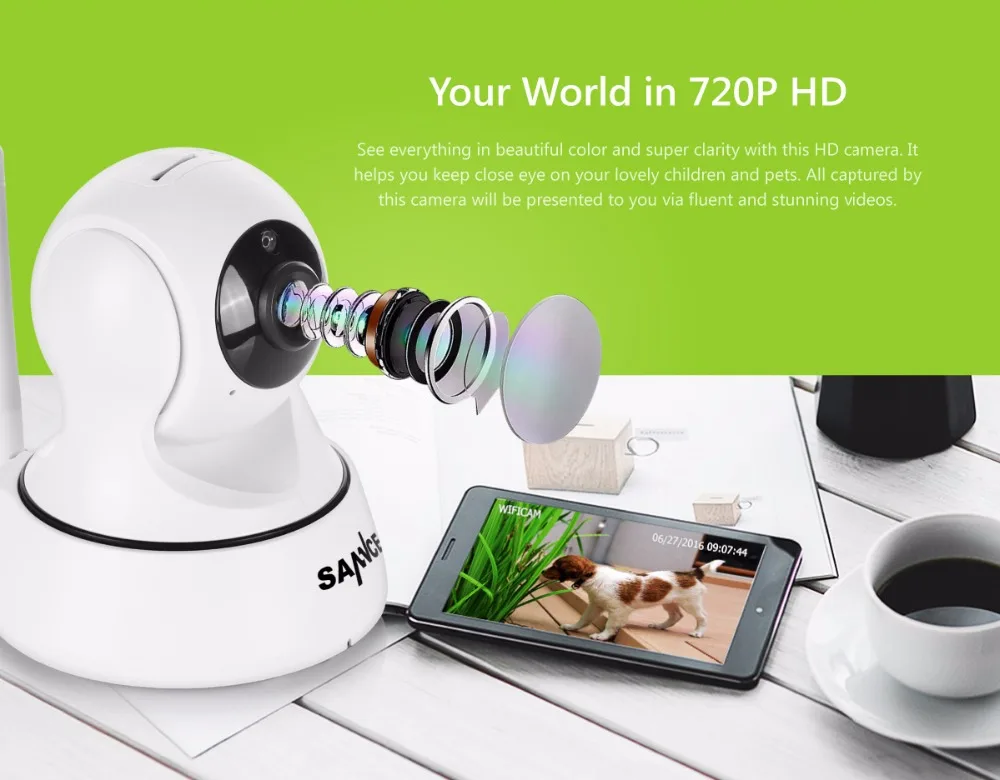
See everything in beautiful color and super clarity with this HD camera. It helps you keep close eye on your lovely children and pets. All captured by this camera will be presented to you via fluent and stunning videos.
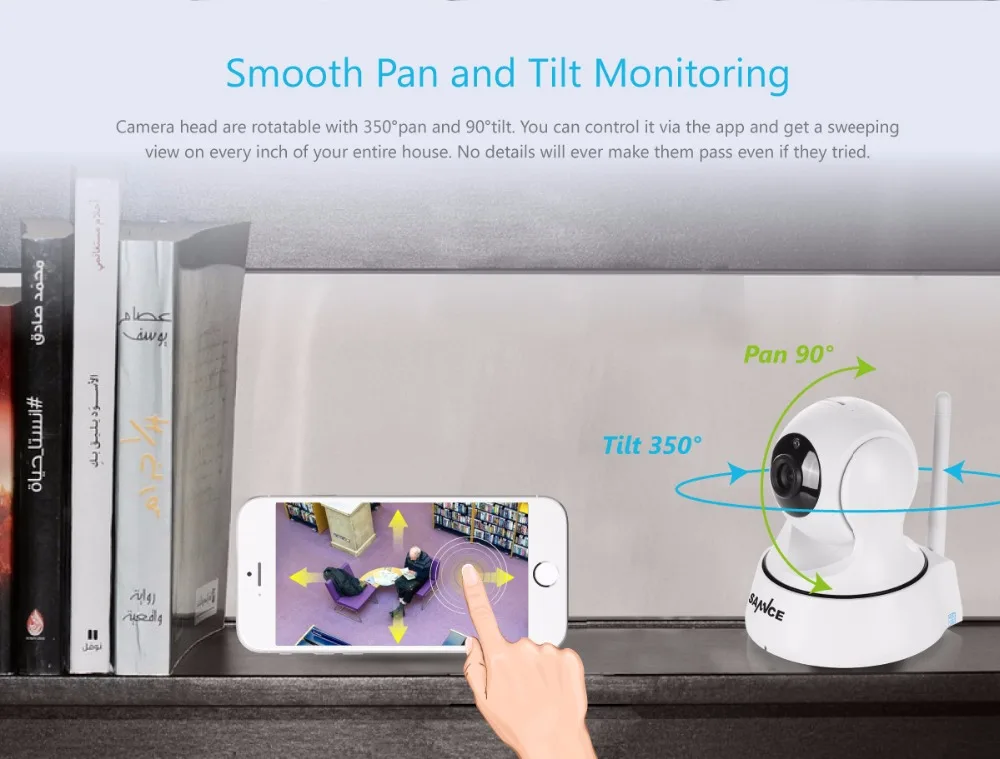
Smooth Pan and Tilt Monitoring
Camera head are rotatable with 350°pan and 90°tilt. You can control it via the app and get a sweeping view on every inch of your entire house. No details will ever make them pass even if they tried.
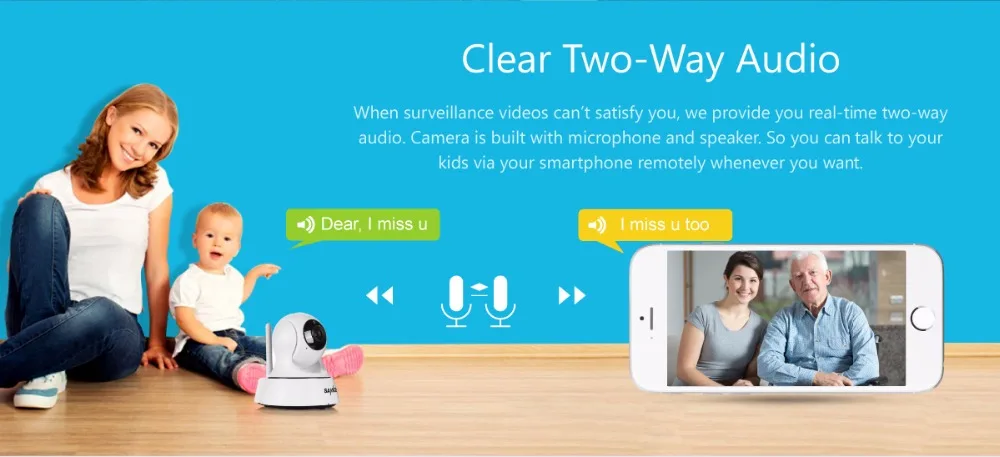
Clear Two-Way Audio
When surveillance videos can't satisfy you, we provide you real-time two-way audio. Camera is built with microphone and speaker. So you can talk to your kids via your smartphone remotely whenever you want.
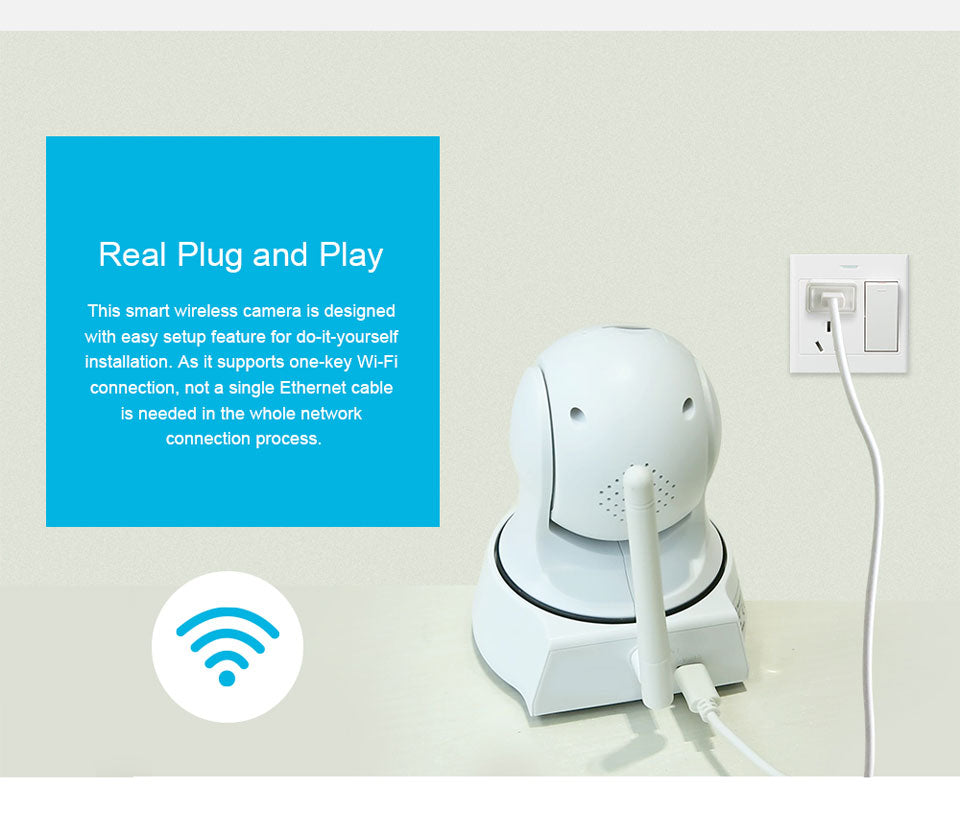
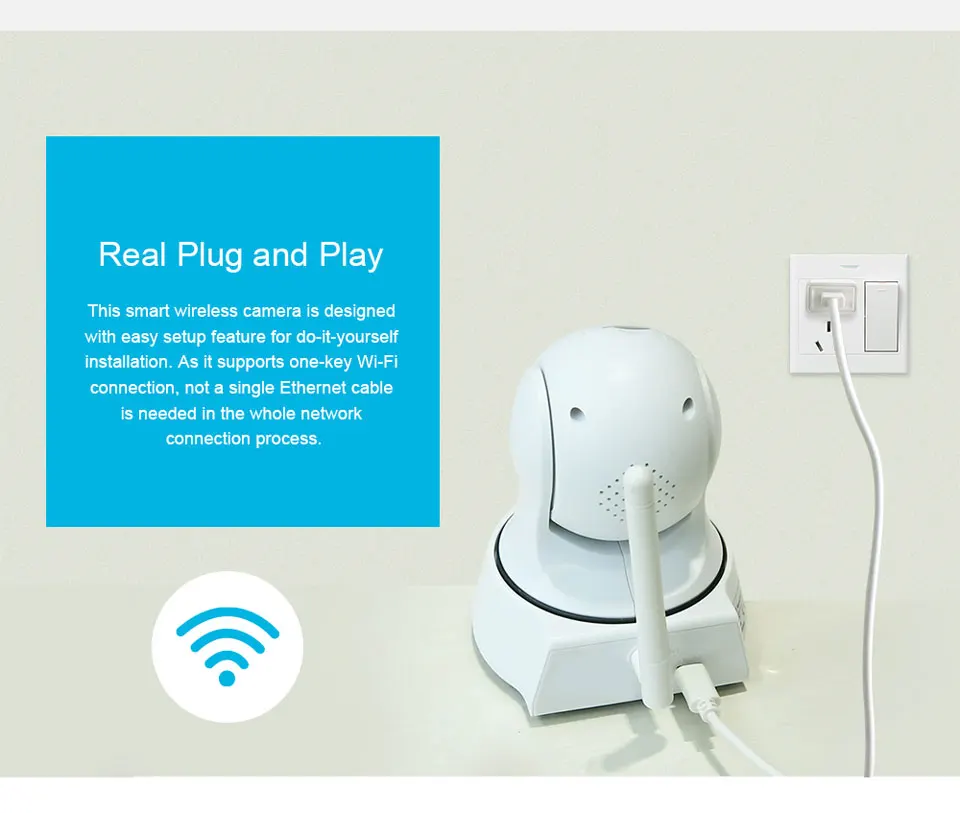
Real Plug and Play
This smart wireless camera is designed with easy setup feature for do-it-yourself installation. As it supports one-key Wi-Fi connection, not a single Ethernet cable is needed in the whole network connection process.
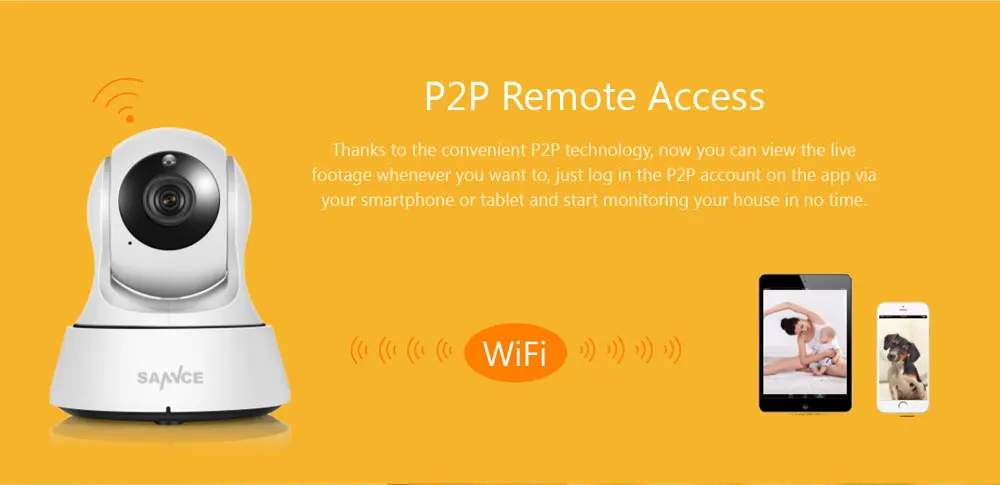
P2P Remote Access
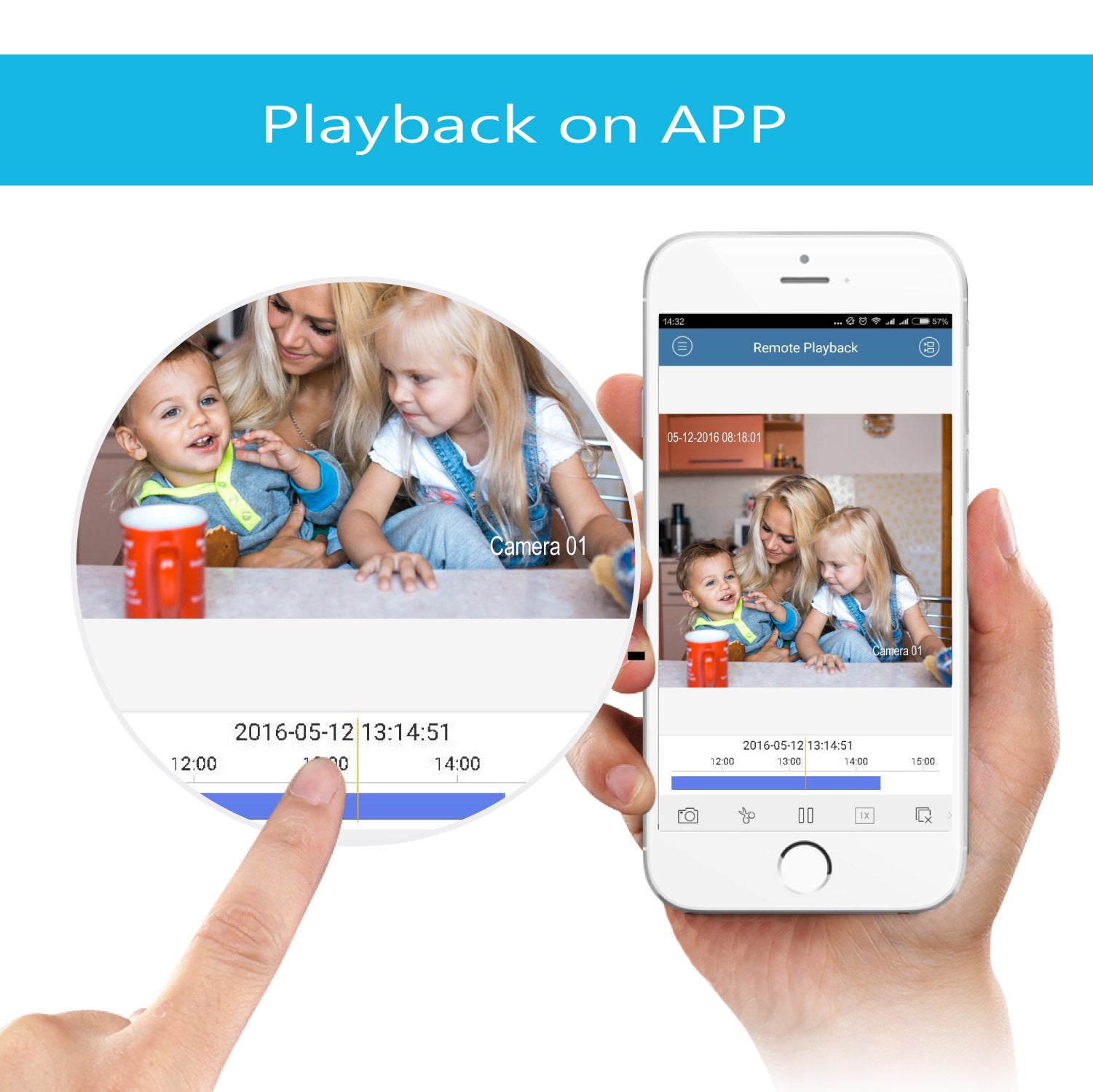
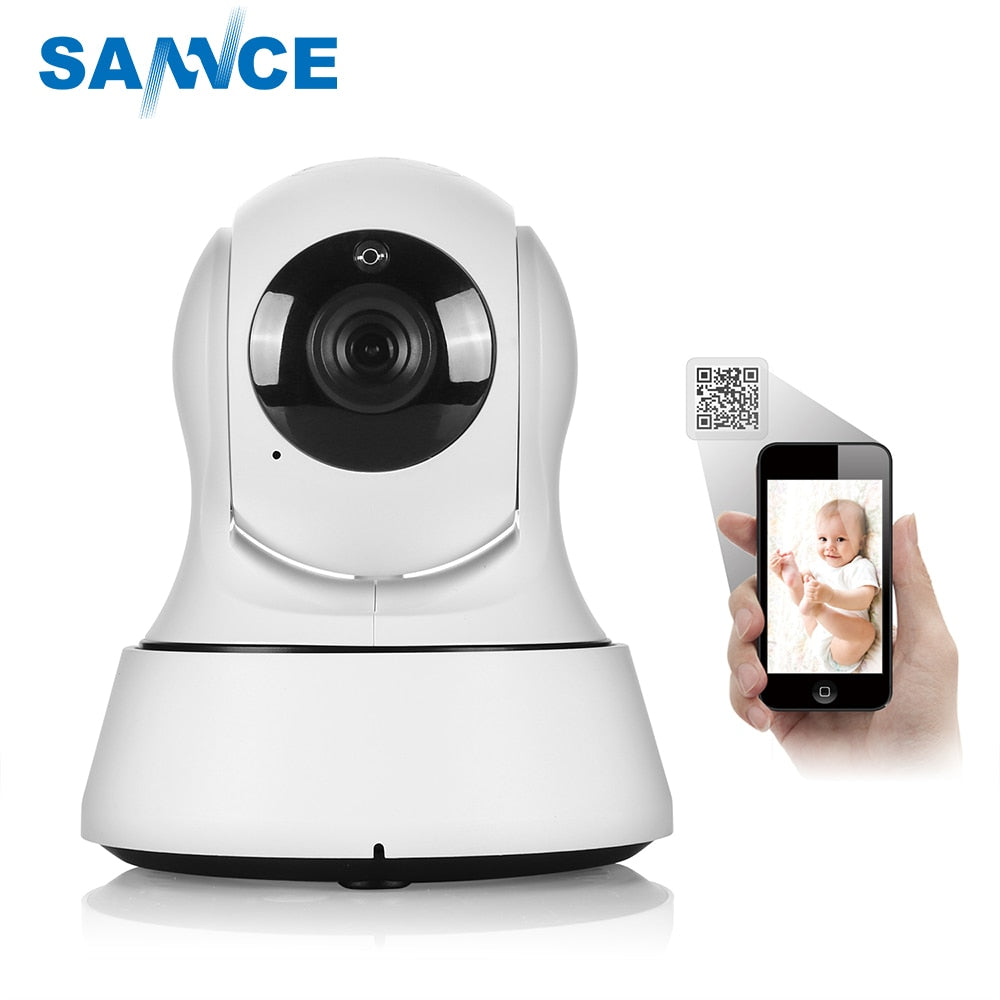
The camera can stream stunning HD videos to your smart phone, Just install the free viewing app, scan the camera's QR code to add it, connect it to your Wi-Fi network, and then you can watch whatever the camera captures anytime from anywhere.
Product Detail
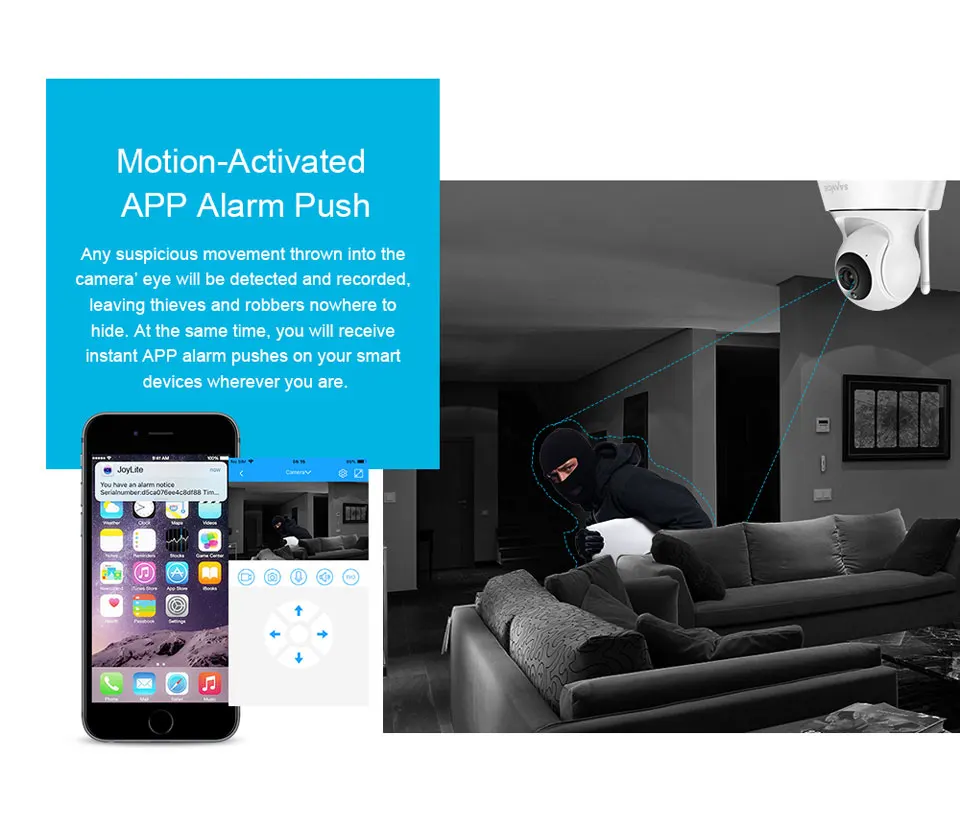
Motion-Activated APP Alarm Push
Any suspicious movement thrown into the camera' eye will be detected and recorded, leaving thieves and robbers nowhere to hide. At the same time, you will receive instant APP alarm pushes on your smart devices wherever you are.
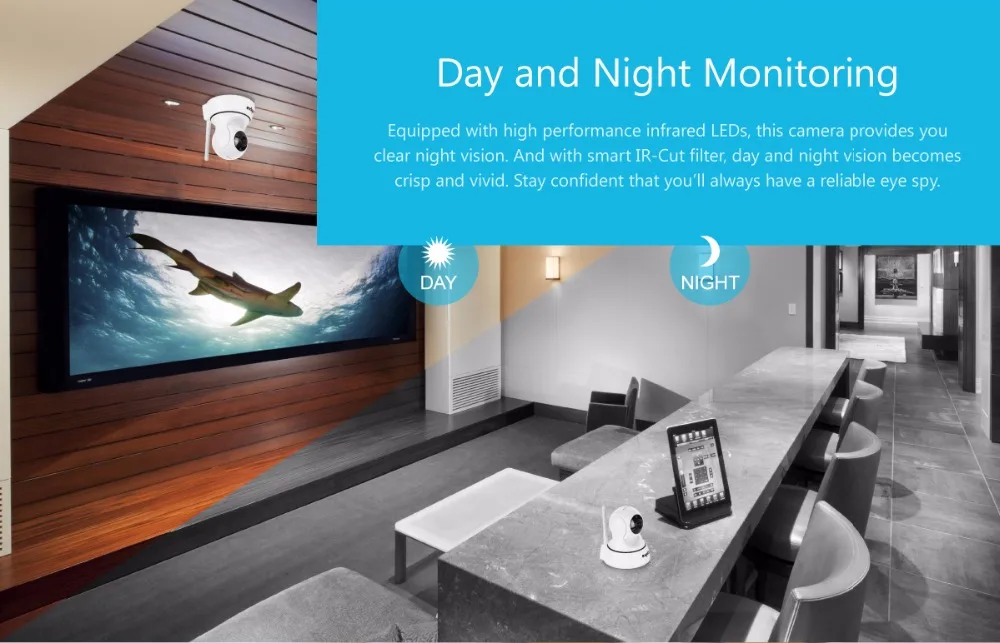
Day and Night Monitoring
Equipped with high performance infrared LEDs, this camera provides you clear night vision. And with smart IR-Cut filter, day and night vision becomes crisp and vivid. Stay confident that you'll always have a reliable eye spy.
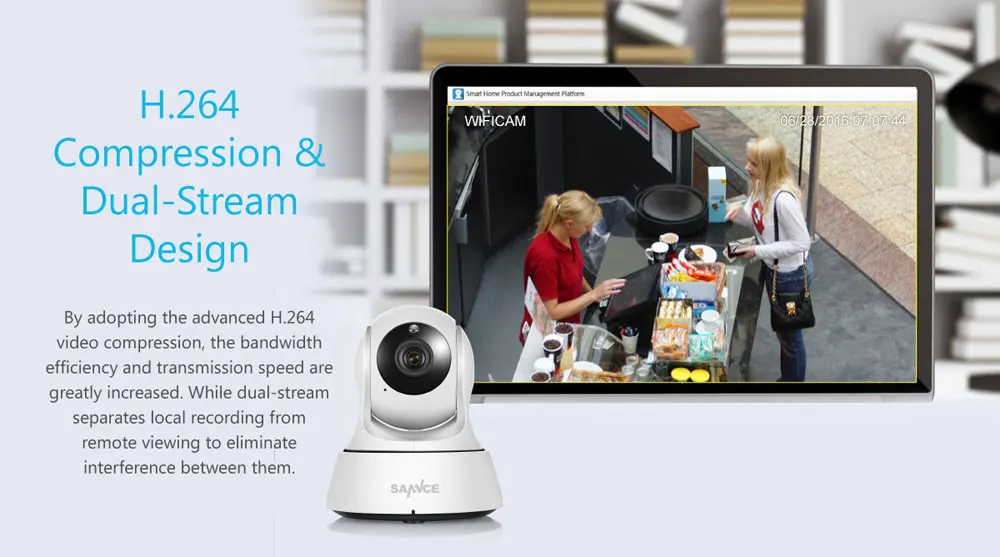
H.264 Compression &Dual-Stream Design
By adopting the advanced H.264 video compression, the bandwidth efficiency and transmission speed are greatly increased. While dual-stream separates local recording from remote viewing to eliminate interference between them.
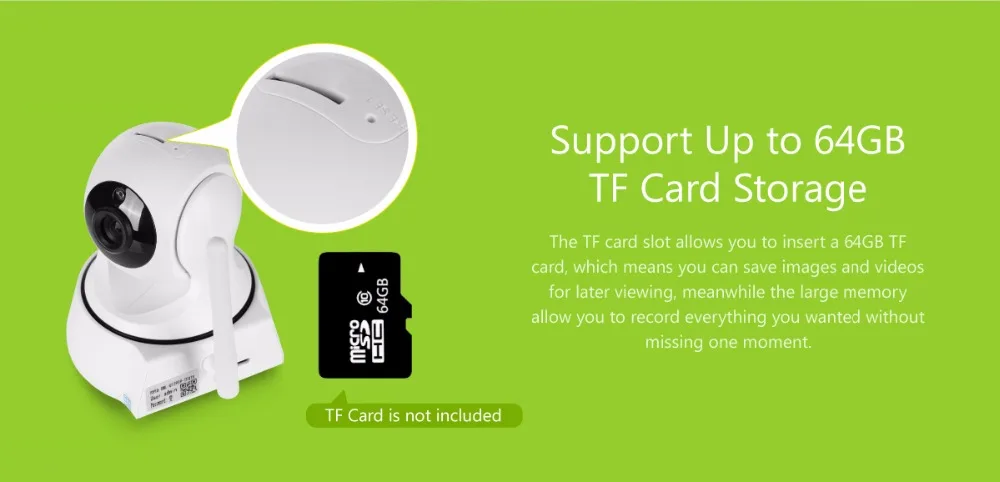
Support Up to 64GB TF Card Storage
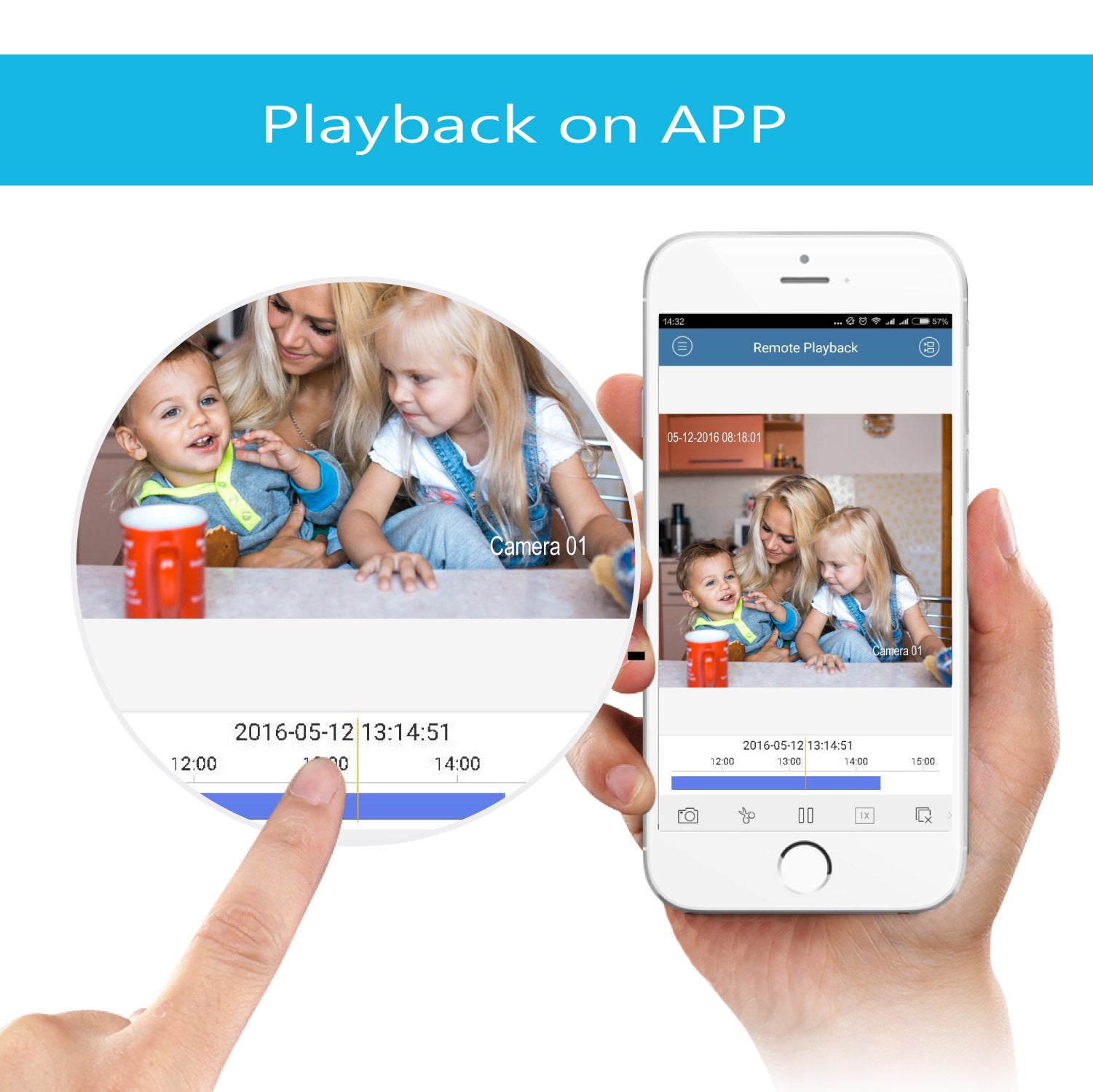
The TF card slot allows you to insert a 64GB TF card, which means you can save images and videos for later viewing, meanwhile the large memory allow you to record everything you wanted without missing one moment.

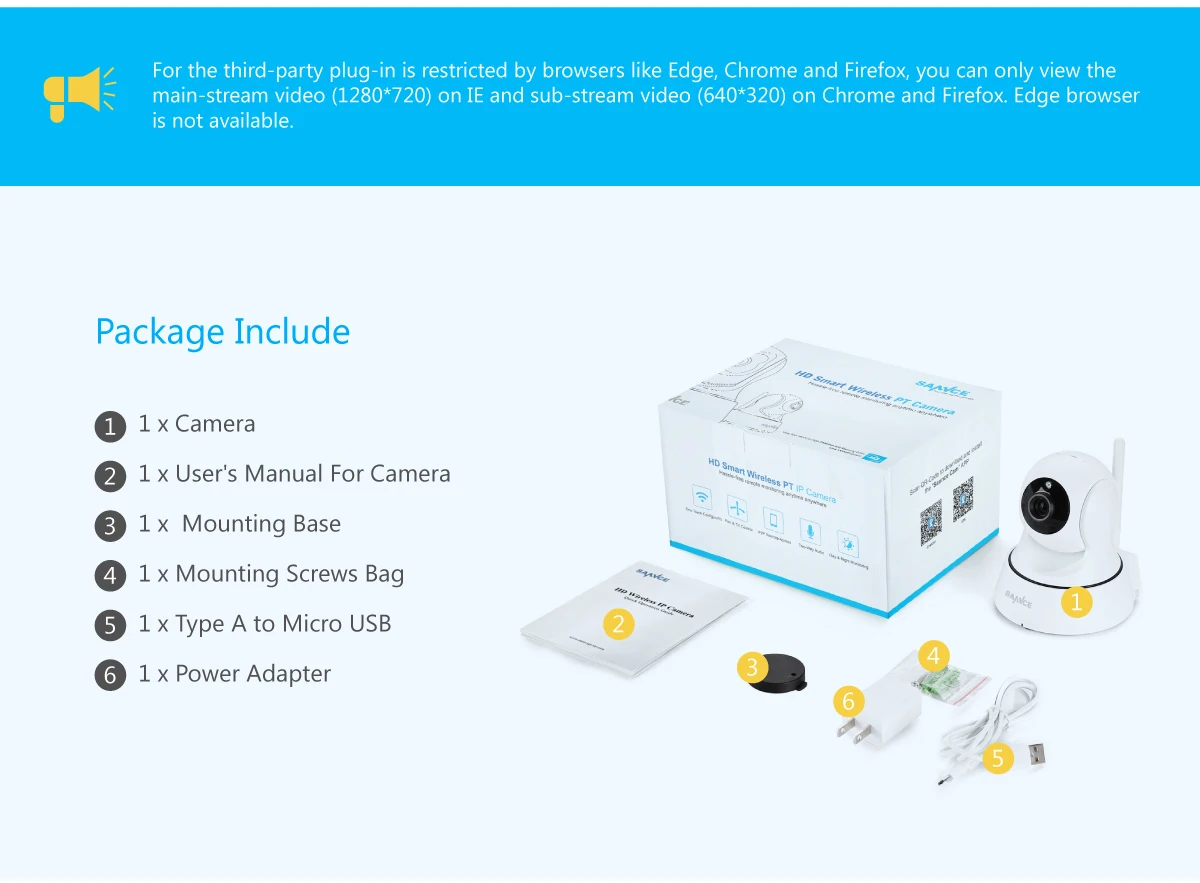
What is include ?
Elena P.
It vibrates gently and cleans extremely thoroughly, removing all food residue from between the teeth. I fell in love with it after just one use!
03.25.2026 7
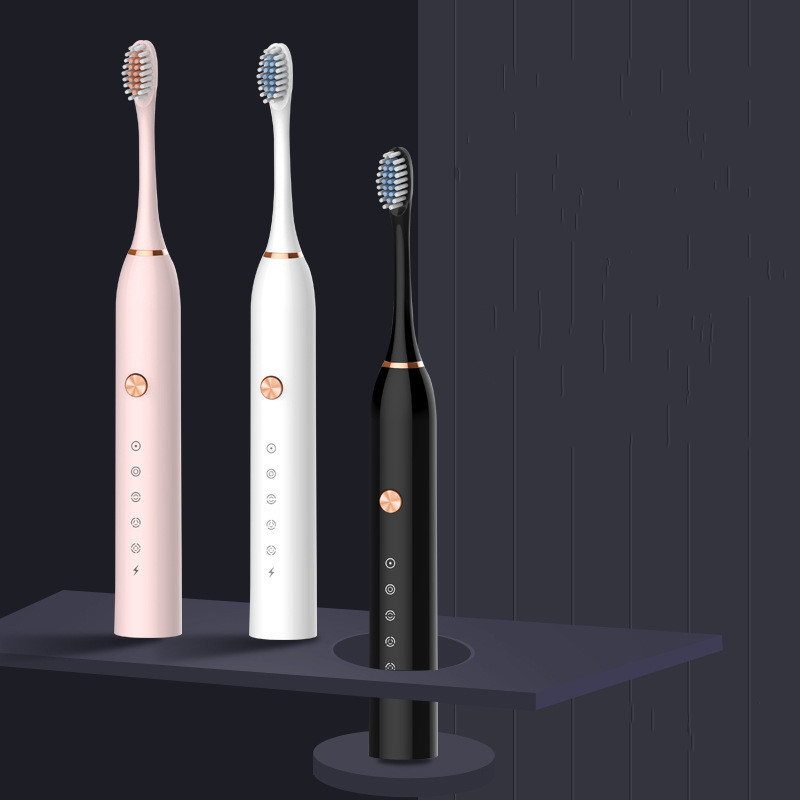 Electric Toothbrush for Adults: Fully Automatic, Rechargeable, Soft-Bristle, Waterproof, Sonic, Couple's Set for Men and Women
Jonas K.
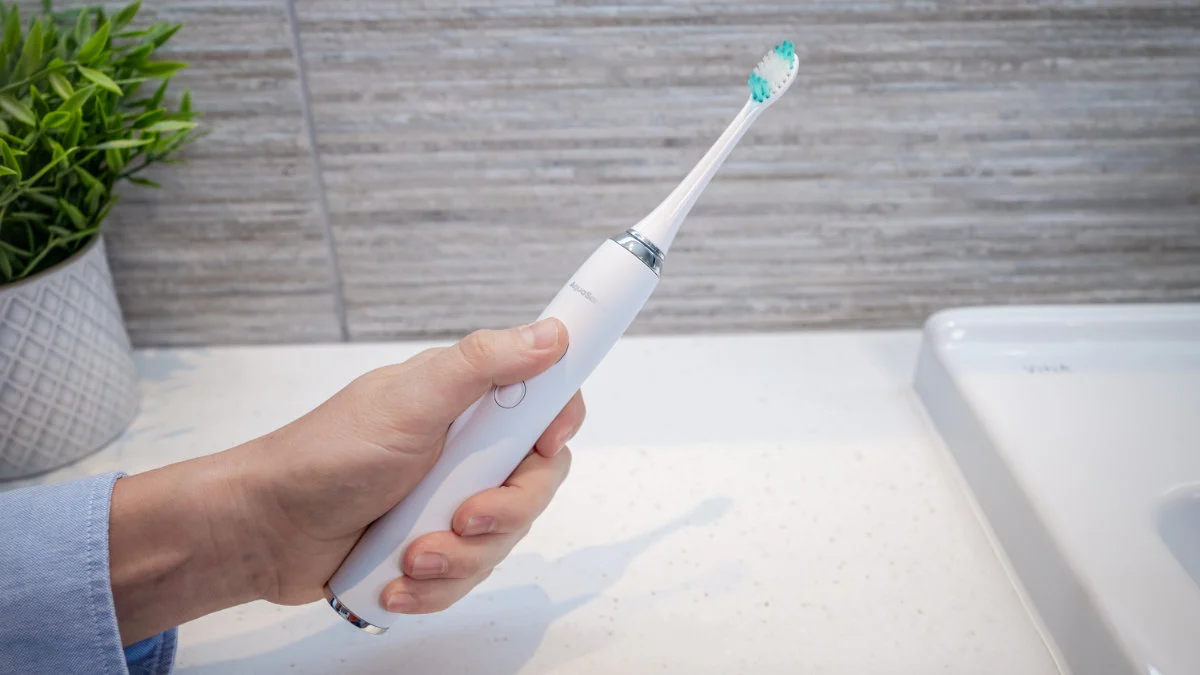
The soft brush head is very comfortable, and it does not cause bleeding even for sensitive gums. It has an ultra-long battery life and can last for a long time on a single charge.
03.25.2026 18
Electric Toothbrush for Adults: Fully Automatic, Rechargeable, Soft-Bristle, Waterproof, Sonic, Couple's Set for Men and Women
Marco L.
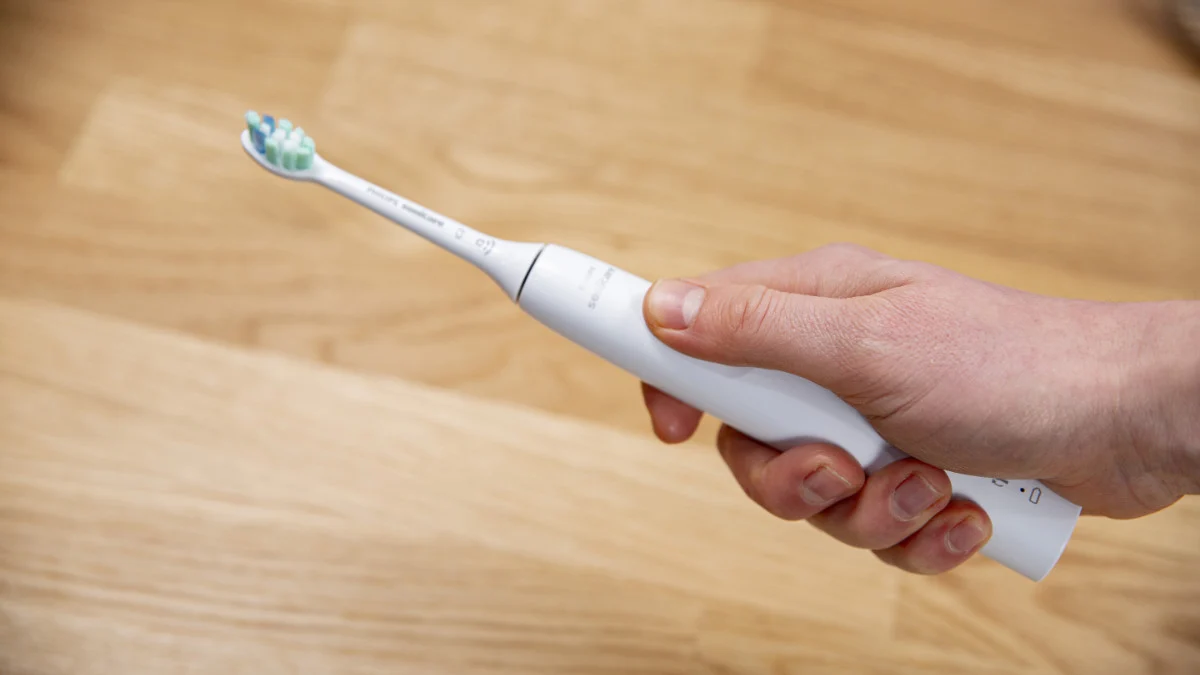
It is easy to operate, and both the elderly and children can use it effortlessly. After brushing, your teeth feel smooth and your breath is especially fresh.
03.25.2026 27
Electric Toothbrush for Adults: Fully Automatic, Rechargeable, Soft-Bristle, Waterproof, Sonic, Couple's Set for Men and Women

Sophie W.
I've compared several brands, and this one has the strongest cleaning power without harming the teeth. It really offers unbeatable cost performance.
03.25.2026 31
Electric Toothbrush for Adults: Fully Automatic, Rechargeable, Soft-Bristle, Waterproof, Sonic, Couple's Set for Men and Women
Daniel Lewis
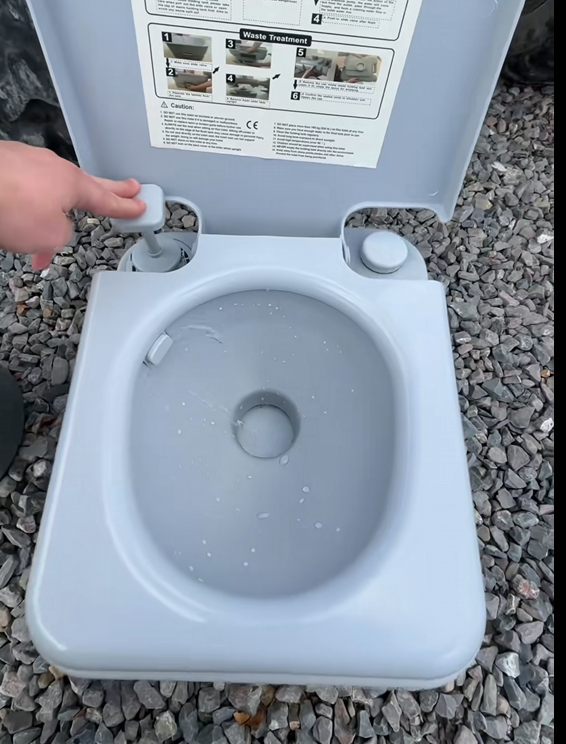
Simple but effective. The quality is good for the price, very convenient for trips where bathrooms aren’t available. Easy to clean and store.
03.25.2026 31
 Portable Outdoor Toilet, Flushable, Removable Holding Tank, 5 Gallon
Jason Miller
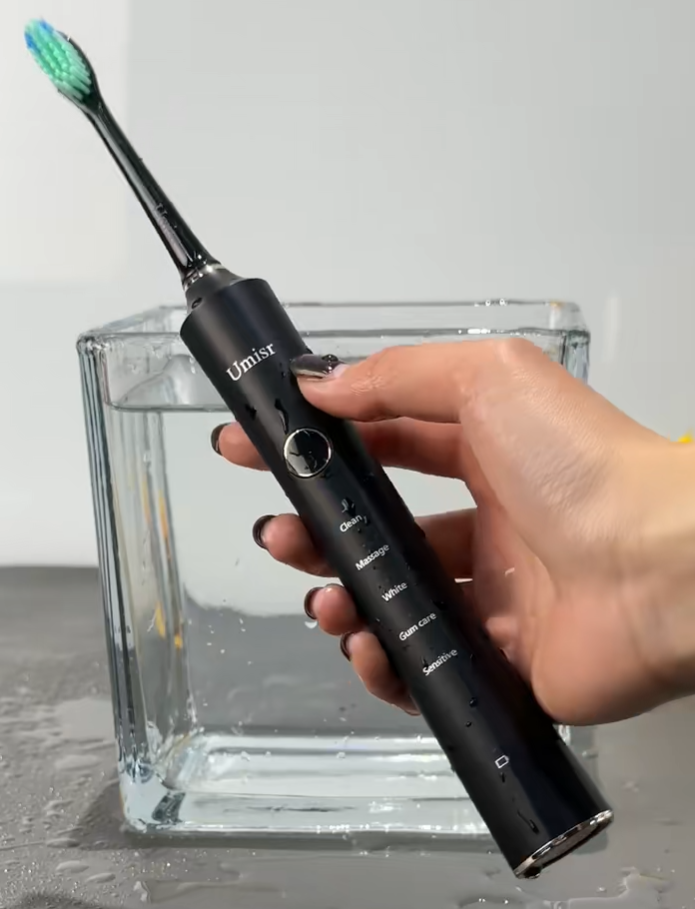
I’ve been using this electric toothbrush for a couple of weeks now, and I’m really impressed. It cleans much better than my old manual brush, and my teeth feel noticeably smoother. For the price, it honestly feels like a great deal. Simple to use, powerful enough, and gets the job done.
03.25.2026 26
Electric Toothbrush for Adults: Fully Automatic, Rechargeable, Soft-Bristle, Waterproof, Sonic, Couple's Set for Men and Women
Emily Carter
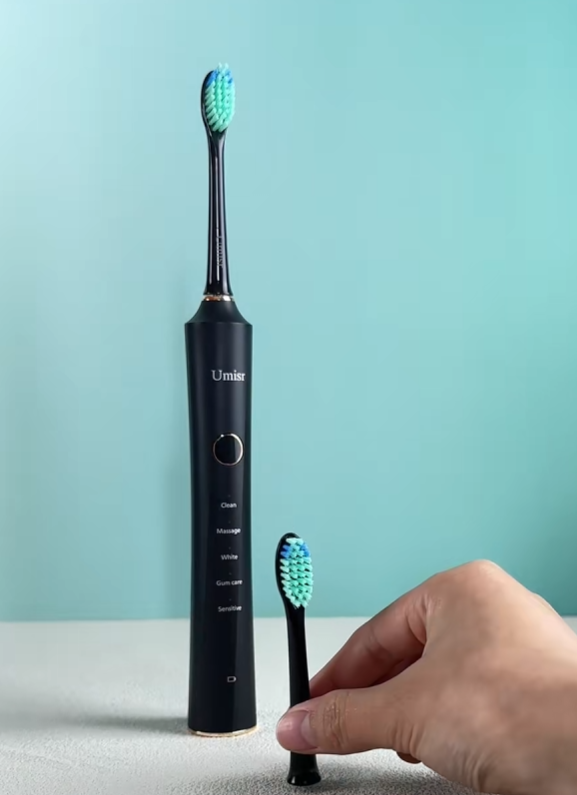
I like how easy this toothbrush is to use. The vibrations are strong but still gentle on my gums, and I noticed a difference after just a few uses. It’s not overly complicated, which I actually prefer. For everyday use, it works really well and feels worth the money.
03.25.2026 7
Electric Toothbrush for Adults: Fully Automatic, Rechargeable, Soft-Bristle, Waterproof, Sonic, Couple's Set for Men and Women
David Thompson
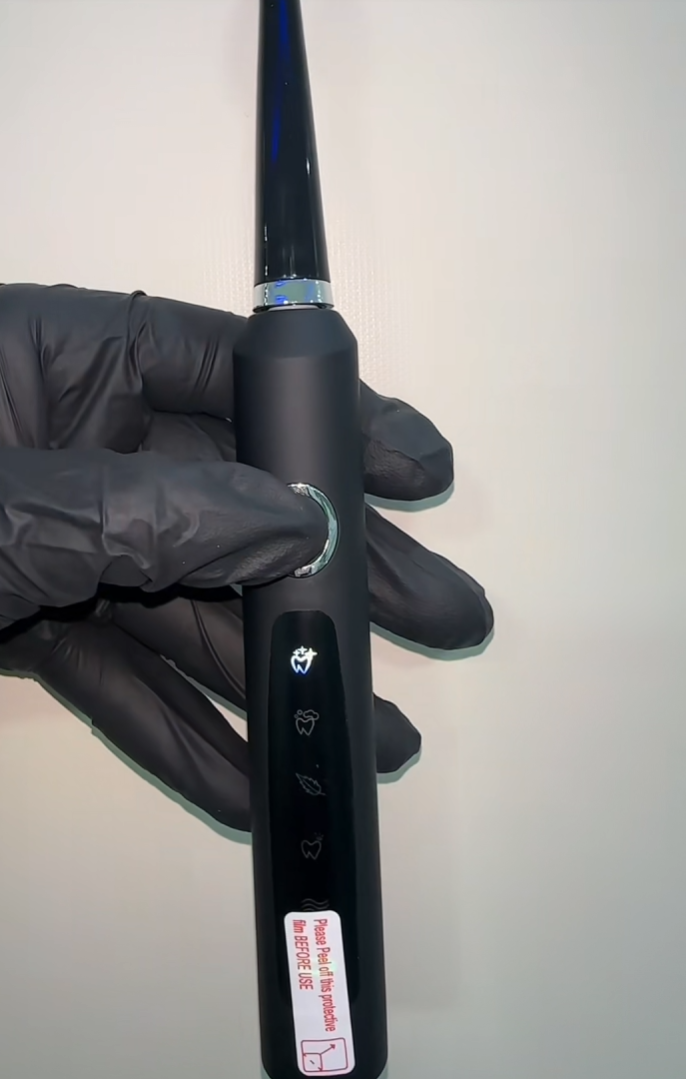
Didn’t expect much at first, but this electric toothbrush turned out to be really good. It leaves my mouth feeling super clean, almost like a dentist visit. Battery life is solid, and overall it feels like good value for what you get. Definitely happy with it so far.
03.25.2026 11
Electric Toothbrush for Adults: Fully Automatic, Rechargeable, Soft-Bristle, Waterproof, Sonic, Couple's Set for Men and Women

You have successfully commented, please wait for review
Copied Successfully
You can enjoy up to 1 free gift!
Customer Reviews
Real feedback from buyers all over the world, real experience, trustworthy!